Why Electric Logs Will Not Work with the Remote
Electric logs may not respond to the remote because of weak batteries, a power problem, blocked signal, or a control setting. Check the set's manual, confirm it has power, then try fresh batteries and the controls on the unit.
On this page (8 sections)
- Why will electric logs not work with the remote?
- What should you check before replacing the remote?
- What if electric logs turn on but the heat does not?
- How can you tell whether the remote or the log set is at fault?
- When should you contact the manufacturer?
- Do remote controls differ between electric logs and inserts?
- What should you do if the fireplace still will not respond?
- What is the quickest way to troubleshoot electric logs and a remote?
Electric logs may not respond to the remote because of weak batteries, a power problem, a blocked signal, or a control setting. Check the manual, confirm the set has power, then try fresh batteries and the controls on the unit.
Start with the simplest checks before assuming the remote or log set has failed. If the controls on the unit work but the remote does not, focus on the remote and its signal path.
Why will electric logs not work with the remote?
A remote failure usually comes down to power, batteries, signal, or the way a control is being used. Electric log sets vary, so use the instructions for your specific model.
Check that the log set is plugged into a working outlet and that its main switch is on, if it has one. Make sure the plug is fully seated and that the circuit has not tripped.
If power is present, replace the remote batteries with the type and orientation shown in the manual. A remote may still appear to work while weak batteries keep it from sending a reliable signal.
Clear objects between the remote and the receiver, and point the remote toward the set. Then press one control at a time, with a brief pause between presses.
What should you check before replacing the remote?
Test the log set's own controls first, if the unit has them. If those controls also fail, the problem may be power to the set or a unit issue rather than the remote.
Use the manual to find the main power switch and any standby or reset steps. Avoid unplugging and reconnecting repeatedly unless the instructions recommend that step.
Check for a tripped breaker or switched outlet, but don't use an outlet or cord that appears damaged or feels hot. If the outlet is controlled by a wall switch, confirm the switch is on.
A remote that works only at very close range may have weak batteries, a blocked signal path, or a receiver issue. Try a clear path and fresh batteries before contacting the manufacturer.
Could the remote be using the wrong control?
Yes, a remote may have separate buttons for flames, heat, brightness, or thermostat settings. A flame button may change the display without starting the heater.
Consult the manual to identify each control and its order of operation. Some units require the main power control to be on before remote commands will work.
For example, the duraflame Electric Log Set 400 Sq Ft has separate flame and heat controls, and its remote adjusts flame speed, flame brightness, and on/off functions. For a different brand, compare Dimplex electric log sets.
Use the set's controls to confirm what is currently on before changing settings with the remote. If the unit remains unresponsive after the manual's steps, contact Duraflame or the seller for model-specific help.
What if electric logs turn on but the heat does not?
A remote can turn on the flames while the heater stays off if heat is controlled separately or the thermostat setting is not calling for heat. Check the heat control and thermostat steps in the manual.
Make sure the heater function is enabled and the temperature setting is appropriate for the room. Flame-only operation may be a normal setting on models that allow it.
The duraflame log set has independent flame and heat controls, so a glowing flame does not by itself confirm that the heater is on. Its thermostat is adjusted on the set, while the remote controls flame speed, brightness, and on/off functions.
If heat still does not start, stop and follow the maker's troubleshooting steps. Don't open the housing or try to bypass a thermostat or safety control.
How can you tell whether the remote or the log set is at fault?
If the unit's own controls work but the remote does not, troubleshoot the remote first. If neither set of controls works, check power and consult the maker before concluding that the set has failed.
Use this simple sequence:
- Confirm the outlet works with another suitable device, if safe to do so.
- Check that the log set's plug and switch are in the correct positions.
- Replace the remote batteries with the type specified in the manual.
- Clear the path and point the remote toward the set.
- Test the on-unit controls, if available.
- Contact the manufacturer if the remote still fails or the unit shows signs of damage.
Don't attempt to pair a remote unless the manual says the model requires pairing. Many remotes work without a setup process, and an incorrect reset sequence can add confusion.
When should you contact the manufacturer?
Contact the manufacturer when the remote still fails after basic checks, or when both the remote and unit controls stop working. Give support the model number and describe what happens when you press each control.
Stop troubleshooting if you see damage to the cord or plug, smell an unusual odor, or notice erratic operation. Unplug the set if you can do so safely and don't continue using it until the maker advises you.
For broader steps that apply to different fireplace types, see electric fireplace remote not working. If you have a Dimplex unit, use the model-specific guide to dimplex electric fireplace remote not working.
Do remote controls differ between electric logs and inserts?
Yes, controls and features vary by model, so don't assume instructions for an insert apply to a log set. Check the manual for your unit's buttons, batteries, receiver, and heat settings.
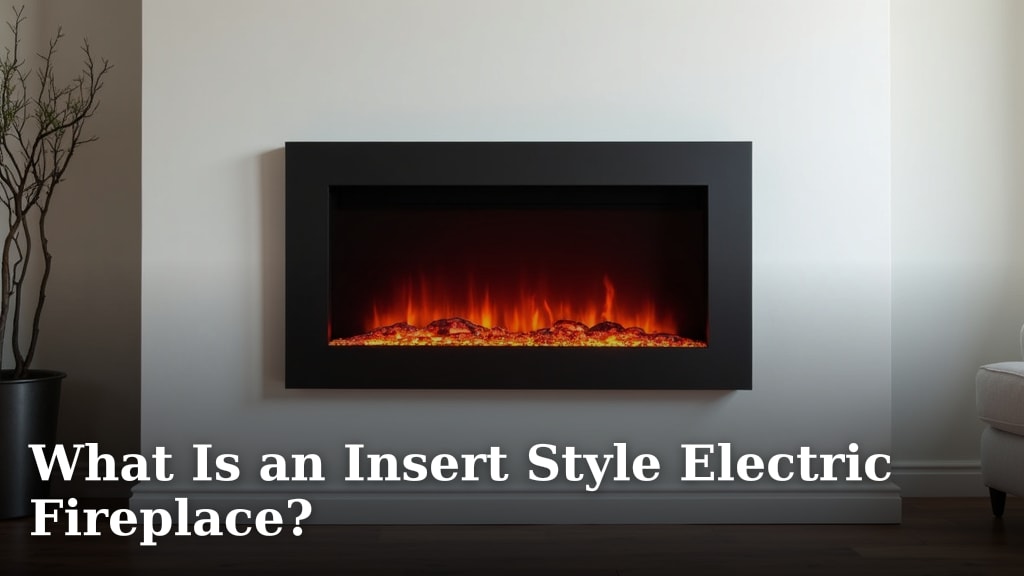
An electric insert may have functions such as a thermostat, timer, or smart controls, while a log set may use a simpler remote. For models chosen for lifelike flames, see realistic electric fireplace inserts.
The Electric Fireplace Insert with Remote Control guide explains features to compare when choosing an insert.
The Touchstone Smart Electric Fireplace-The Sideline 60" Wide-in has an infrared remote for flame color and intensity, heater controls, and a shut-off timer. Its wireless remote requires AAA batteries.
The Touchstone Smart Electric Fireplace-The Forte 40" Recessed also includes an infrared remote for flame color and intensity, heater controls, and a shut-off timer.
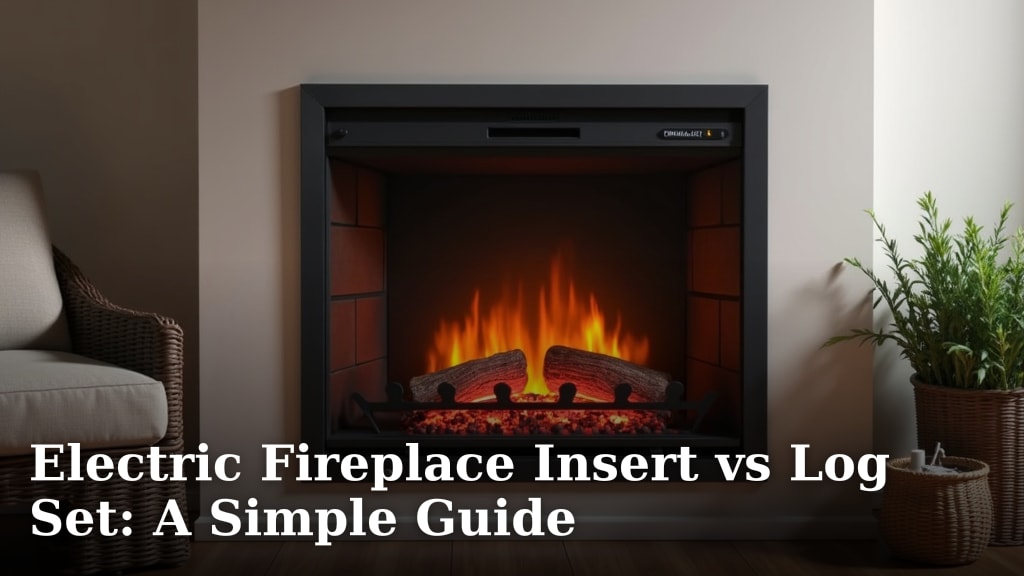
These are recessed electric fireplaces, not log sets, so their controls and troubleshooting steps may differ. For a model comparison, see electric fireplace insert vs log set: a simple guide.
What should you do if the fireplace still will not respond?
Follow the manual's troubleshooting steps and contact the maker if the remote or unit remains unresponsive. Avoid opening the unit, using a damaged cord, or guessing at a reset procedure.
If the issue is that the entire fireplace will not start, check why won't my electric fireplace turn on. If you're deciding between fireplace styles, the guide to electric fireplace inserts with logs covers common questions about log-style units.
A gas fireplace has different power and control needs; read can a gas fireplace run without electricity if you're comparing it with an electric model. For shoppers choosing a new unit, see best electric fireplace with remote and thermostat.
What is the quickest way to troubleshoot electric logs and a remote?
For electric logs that will not work with the remote, check the outlet and unit switch, install fresh batteries, clear the signal path, and test the unit's own controls. Use the manual to confirm button functions and any model-specific steps.
If the unit controls work, focus on the remote or receiver. If neither remote nor unit controls work, or you see damage or unusual behavior, stop and contact the manufacturer.
Frequently asked questions
Why do electric logs not respond to the remote?
Electric logs may not respond because the remote batteries are weak, the set has no power, the signal path is blocked, or the selected control does not do what you expect. Check the manual, confirm the unit is powered, try fresh batteries of the specified type, and test the controls on the log set.
Can I use electric logs if the remote stops working?
Often, you can use the controls on the unit if the remote stops working, but the available functions depend on the model. Check the manual for the location and use of those controls, and unplug the set before inspecting or moving it.
Why does the remote turn on the flames but not the heat?
The remote may control flame and heat separately, or the thermostat may be set so the heater does not call for heat. Check the manual for the heat button and thermostat steps, and confirm that the unit's heat function is enabled before troubleshooting further.
When should I stop troubleshooting an electric log set?
Stop if the plug, cord, outlet, or unit looks damaged, smells unusual, or behaves unpredictably. Unplug it if you can do so safely, then contact the manufacturer or a qualified service professional; don't open the unit or bypass a safety feature.